
Logging at the scale
A weigh-in happens at an awkward time, usually first thing in the morning with the phone balanced on the edge of the sink. Every extra step at that moment makes it likelier the number goes unrecorded. Balance Point gives that number a few short routes into your history, and the fastest ones don’t need the app on screen first.
Siri and the Log Weight Shortcut
Balance Point adds a Log Weight action to Shortcuts. Siri can run it hands-free: give it the number and the weigh-in is saved, and Siri reads back the value it logged so a misheard number is easy to catch. Because it’s a regular Shortcut, it can also live wherever you keep your other Shortcuts, which is handy if you’d rather tap than talk.
Logging inside the app
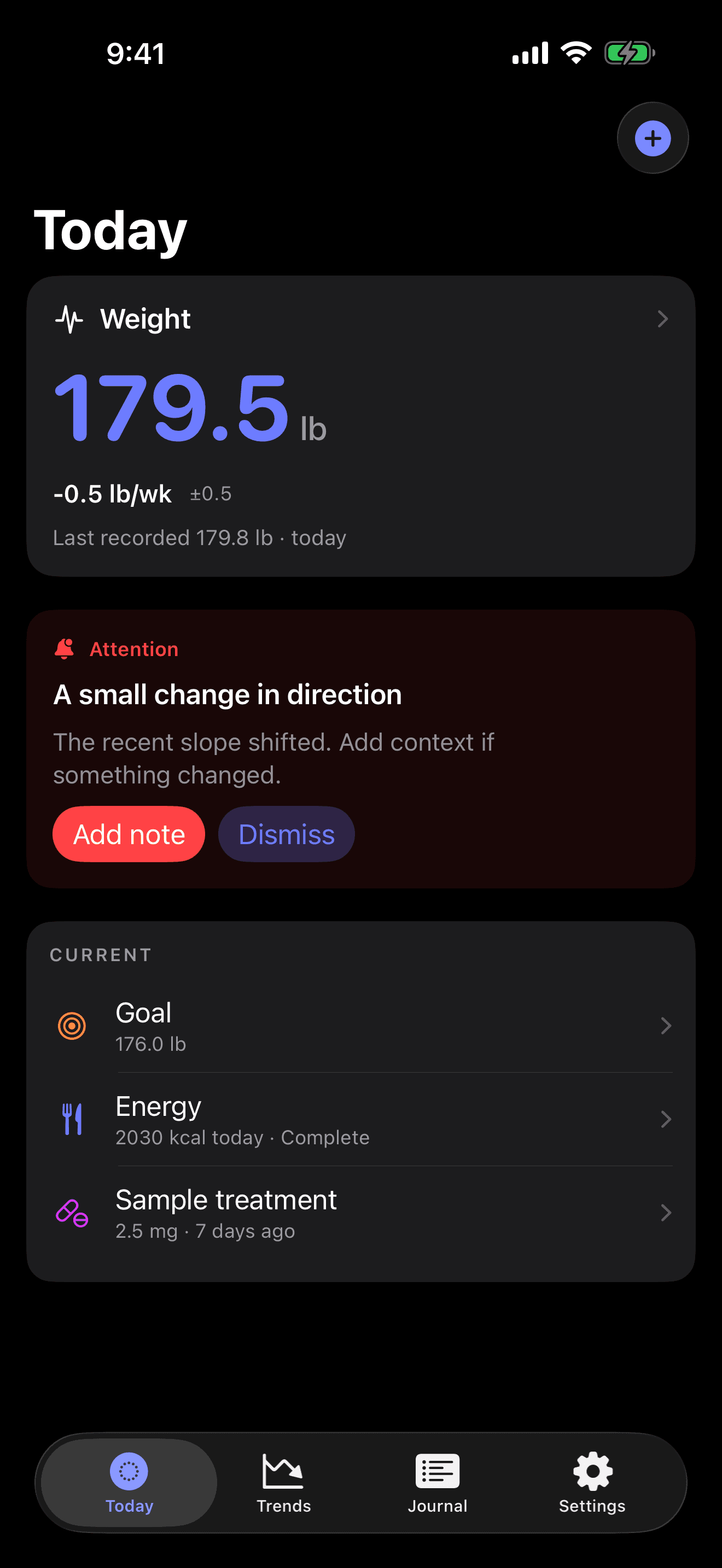
When the app is already open, a quick-add sheet takes the weight and saves it in a few seconds, in pounds or kilograms depending on the unit you chose. Today then shows the new trend value and its weekly rate with a range. Whichever route a weigh-in takes, it lands in the same Journal list as your notes and doses.
Widgets that carry a date
Each widget pairs your trend with the day its newest data came from. That date earns its place after a week away: the widget makes clear the figure comes from last Tuesday, so you read it for what it is. On the Lock Screen, that means the trend is readable before you unlock the phone. Tapping a widget opens Trends, with the chart and the forecast one glance away.
Weigh-ins that arrive from Apple Health
If your scale sends weigh-ins to Apple Health, the app picks up weight from there, and those mornings need no typing at all. The Apple Health page lists what the app reads and what it writes back.
When a stretch goes unlogged
Gaps happen. The trend carries across them, and the missing days stay empty. If you usually log every few days and a silence runs longer, Today shows one notice about it. A local notification for that notice is optional and rate-limited, and each notice type can be switched off. The guide to missed weigh-ins covers gaps in more depth.